Split PDF
Split a PDF into multiple files or extract selected pages as needed.
or drop files here
How to Split a PDF into Multiple Files

Step 1: Upload PDF:
Choose a PDF from your device, Google Drive, or Dropbox, or simply drag and drop it here.

Step 2: Edit Files:
Choose the pages you want to extract or define how you want to split the document.

Step 3: Download Files:
Save the newly created PDFs instantly to your device or cloud storage.
Split PDFs into Multiple Files
Easily separate a PDF into individual documents while preserving formatting. Extract specific pages or divide large files into smaller, more manageable sections.
Fast & Secure Processing
Your files are processed quickly and safely, with encryption ensuring data protection. No waiting—get your split PDFs in seconds.

Free, No Registration Required
Use our PDF splitter with no sign-ups or hidden fees. All features are fully accessible online, without any limitations.
Key Features

Mobile-Friendly Design
Easily split PDFs on any device, whether you’re using a computer, tablet, or smartphone. No installations required—just open your browser and get started.

Absolutely Secure
Your files are processed with end-to-end encryption and automatically deleted after completion. We prioritize your privacy and data security.

Split Specific Page Ranges
Choose custom page ranges to split your PDF exactly as needed. Extract multiple sections or create individual documents in a few clicks.

Simple & Intuitive
No learning curve—our clean and user-friendly interface makes splitting PDFs effortless for everyone, even first-time users.

Extract Specific Pages
Select individual pages from a PDF and save them as separate documents. Perfect for organizing content without unnecessary pages.

Bulk PDF Splitting Capability
Process multiple PDFs at once and split them into separate files simultaneously. A time-saving solution for handling large document batches.
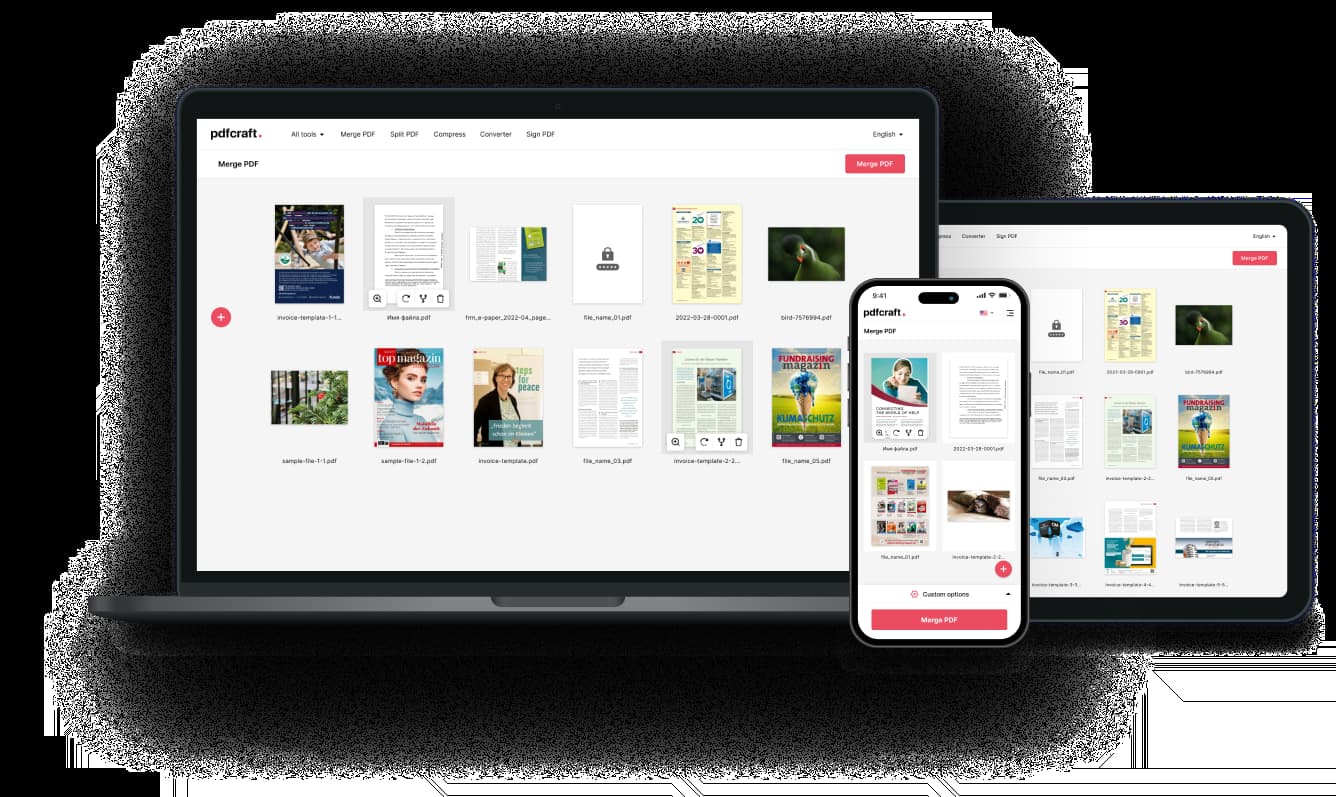
Split PDFs on Any Device
Easily split your PDFs on a computer, tablet, or smartphone with a seamless experience.
Frequently Asked Questions
How do I split a PDF file?
Upload your PDF, choose how you want to split it—by page range, every X pages, or extracting specific pages—then click on “Split.” Once processing is complete, download your new files.
Is there a limit on the number of pages I can split?
There are no limits on the number of pages. Our tool can handle large PDFs, though very extensive documents may take longer to process.
Do I need to register to use the PDF splitter?
No registration is required. Simply upload your file, split your PDF, and download the results—fast and hassle-free.
Are my files stored on the server after processing?
Processed files are stored securely for 5 hours to allow you to download or share them. After that, they are automatically deleted from our servers. You can also manually delete them at any time.